Two-way, instant
Copy on your Mac and paste on Android — or the other way around. ClipShare lives quietly in your menu bar and as a small background service on Android.
Mac ↔ Android · Local network only
ClipShare syncs your clipboard both ways between your Mac and your Android device — directly over your own network. No cloud. No account.
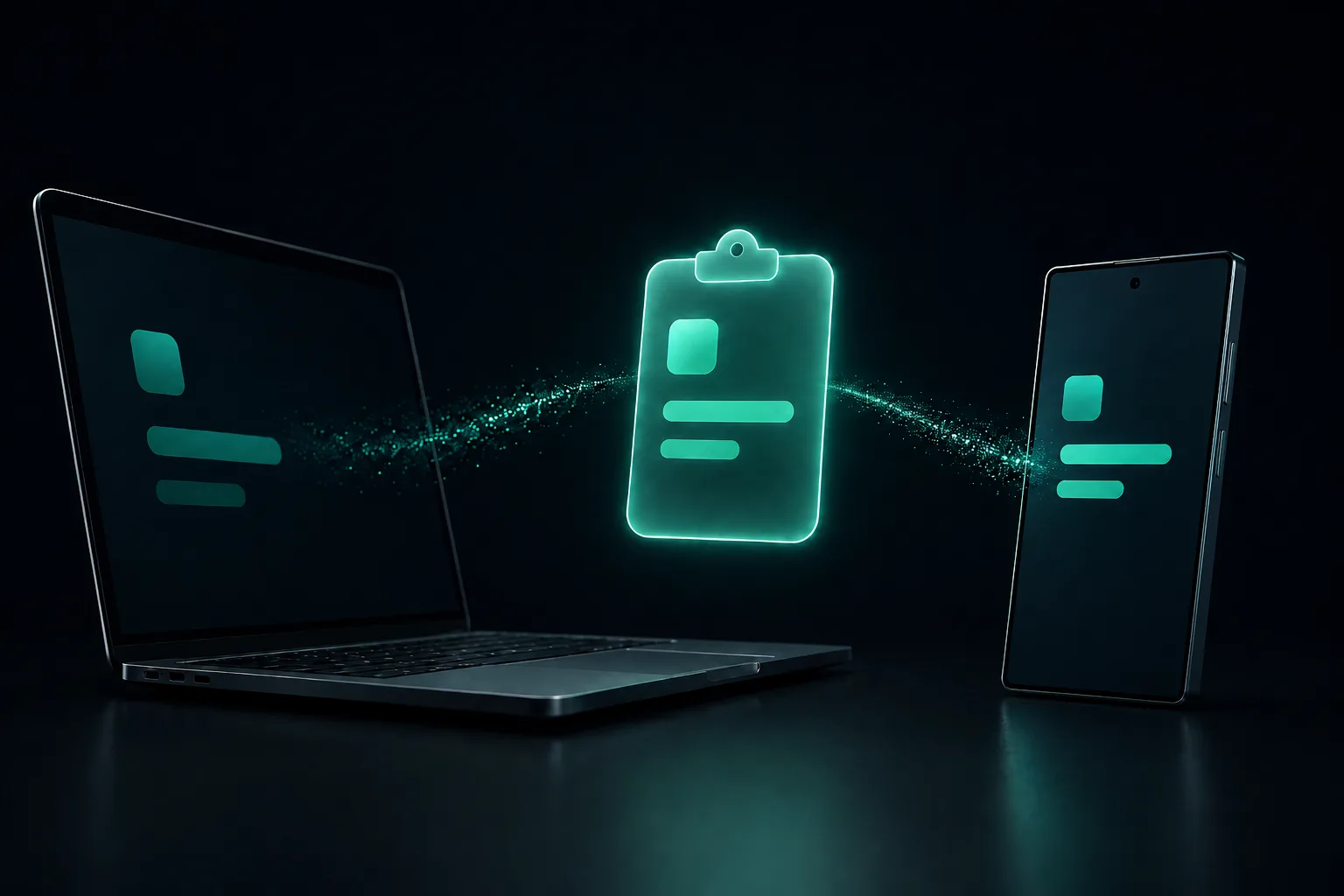
Just the parts you need for clipboard sync, and nothing in between your devices.
Copy on your Mac and paste on Android — or the other way around. ClipShare lives quietly in your menu bar and as a small background service on Android.
Clipboard text travels directly between your devices over the same LAN or a private Tailscale network, without passing through an external server. The apps contain no analytics or ads.
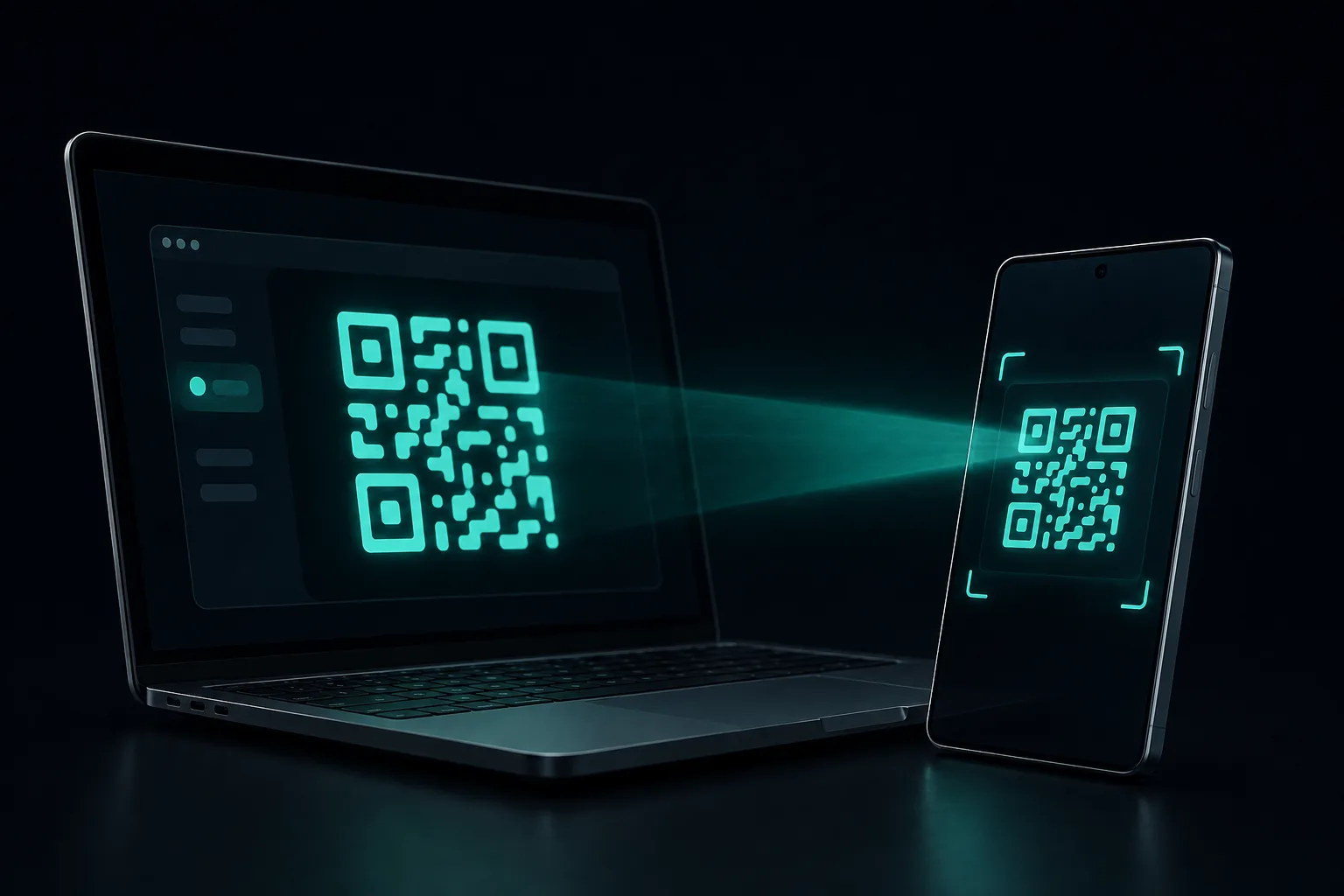
How it stays private →Open the pairing QR on your Mac and scan it with the Android app. Devices find each other automatically on your network.
At home, the same Wi-Fi is all you need. Away from it, ClipShare can sync through a private network you run yourself, such as a Tailscale VPN.
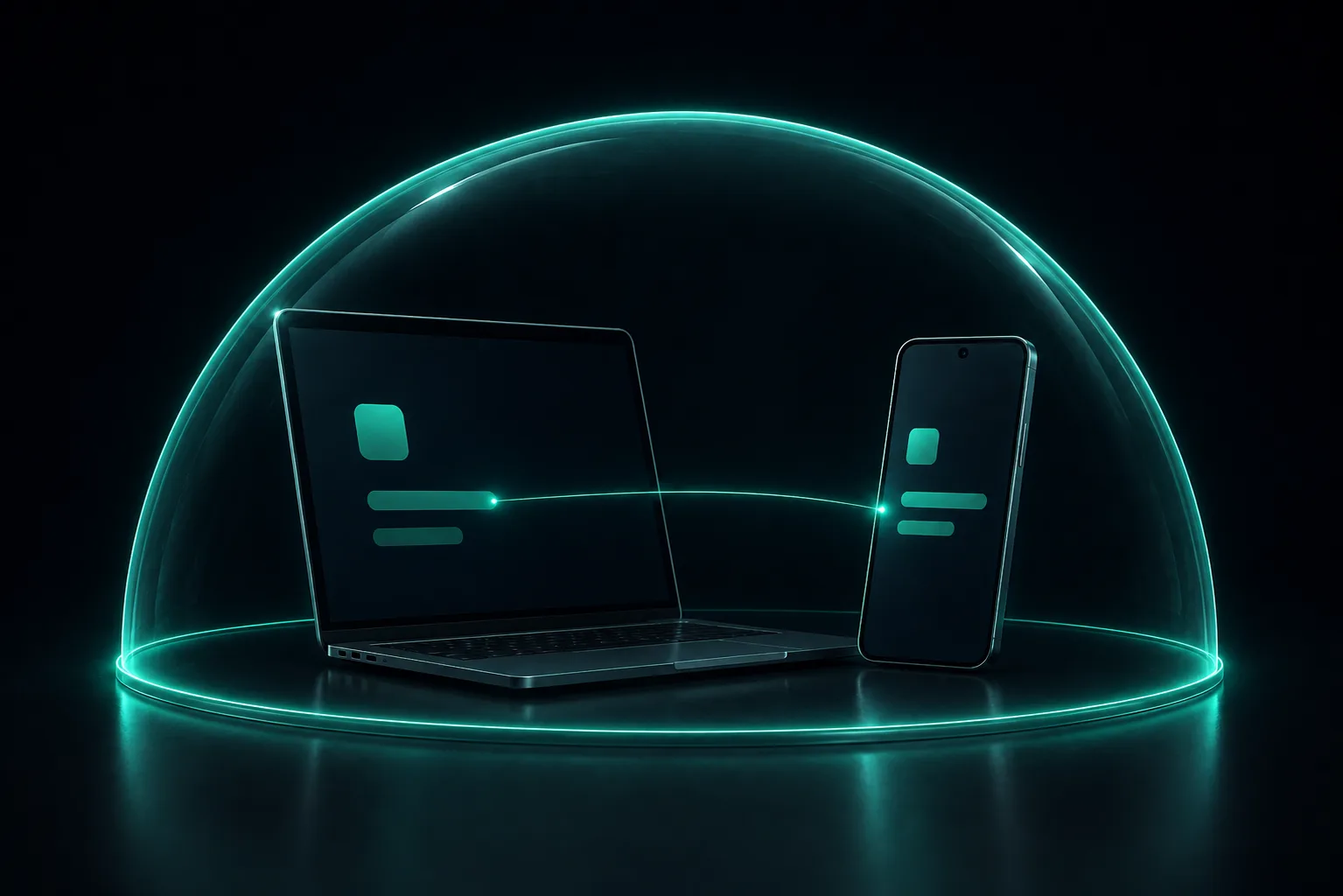
ClipShare has no server of its own. Your devices talk to each other directly, so there is nothing to store your text and nobody to hand it to.
Sync traffic is encrypted with TLS, and the Android app pins your Mac's certificate, so it only talks to the Mac it was paired with.
Each Android device is paired with a short-lived, one-time pairing code shown on your Mac. It expires after 5 minutes, and only paired devices can connect. Review or revoke devices anytime from the settings window.
Still, never expose ClipShare's listening port to the internet through router port forwarding.
Get the Mac app and the Android app onto devices on the same Wi-Fi network.
Open the pairing QR from the Mac menu bar and scan it with the Android app.
That's it. Whatever you copy on one device is ready to paste on the other.
Version 1.3.0 · macOS 13 or later
Apple Silicon (M1 or later)
SHA-256 c95a2539f27407be5449d8c08bd71e5b4a6de13a2370c7e090265a49aeaae62f
Signed with a Developer ID and notarized by Apple. On first launch, macOS asks to allow local network access — allow it so your Android device can connect.
Version 1.3.0 · Android 10 or later
APK, direct install
SHA-256 8c0143a64b7f36a58c07ec55de71ef11454240557f9493dd9e4a4921154878d1
Installed directly, outside Google Play. When you open the downloaded file, Android asks you to allow installs from your browser. A Google Play release is planned.
ClipShare works on your local network. The two devices must be able to reach each other — the same Wi-Fi, or a private network you run yourself such as a VPN.
ClipShare for Android is available as a direct-download APK signed by Sons Labo. It uses the same encrypted protocol as the Mac app: TLS with certificate pinning, one-time pairing codes, and a separate token for every paired device. Requires ClipShare for Mac 1.3.0 or later.
The connection between your Mac and Android device is now encrypted with TLS, and the Android app pins your Mac's certificate. Pairing uses a one-time code that expires after 5 minutes, and every paired device gets its own token that you can review and revoke from the settings window.